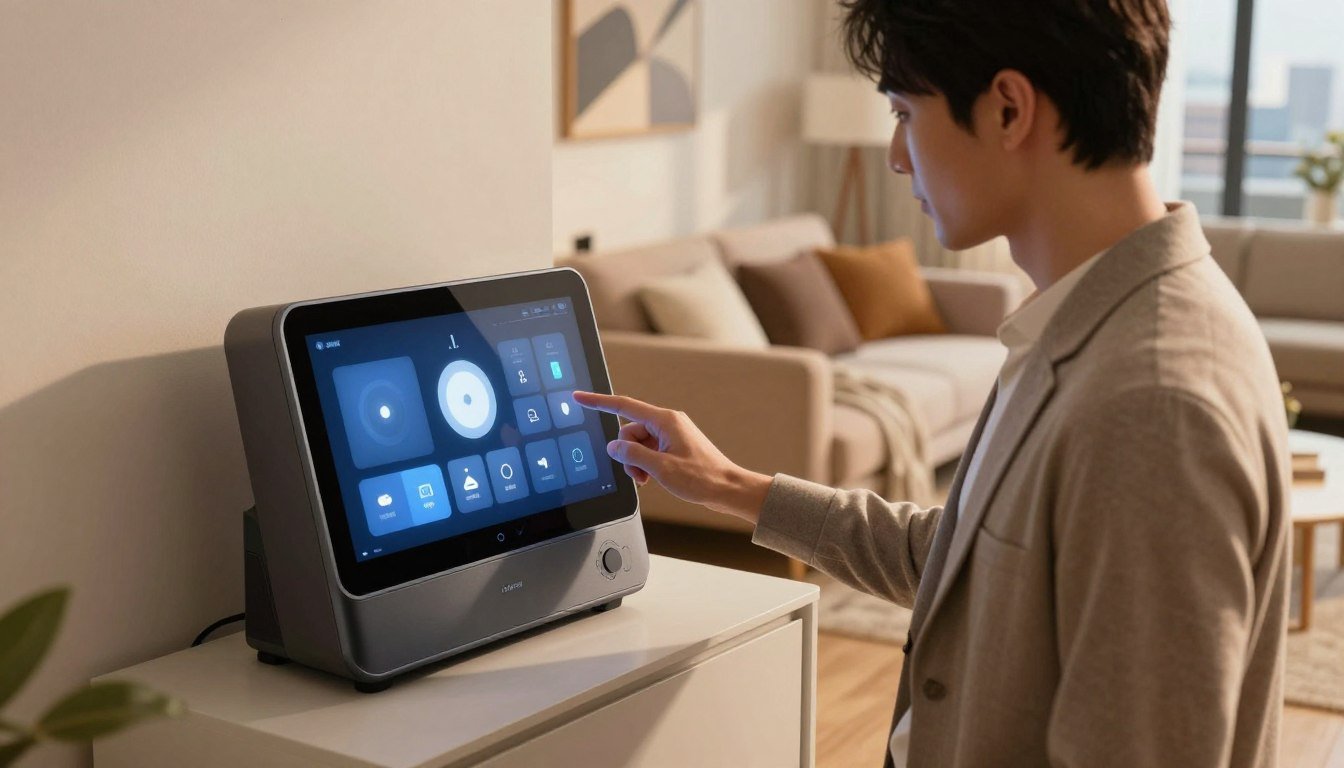
A renter with a few smart lights and a plug often needs a different setup than someone connecting locks, sensors, and devices from several brands. Your choice depends on what you own, which voice assistant you prefer, and how much control you want. A simple plug-in control point may be enough, while advanced local control takes more setup.
These picks account for limited space, easy setup, and avoiding permanent changes. The right choice can also move with you to another home. You will find a practical way to narrow the options, then check the features that matter before choosing.
Key Takeaways
- Match the hub to your current devices and preferred ecosystem.
- Check whether setup needs drilling, wiring, or a separate bridge.
- Confirm which features work without cloud processing.
- Choose a system you can move and manage with ease.
- A dedicated hub may not help if your devices already work well alone.
What Should Renters Check Before Buying a Smart Hub?
Before comparing brands, make a list of the devices and controls you already rely on. Start with what you own, since compatibility and setup needs vary by device.
Check four things before buying: how the hub installs, what it connects to, how you control it, and whether you can move it later. Advertised compatibility does not guarantee every feature will work across every device and app.
Check what your devices actually support, not just the hub’s compatibility label. A shared platform may still leave some features unavailable.
- Installation: Will setup require drilling, permanent wiring, or a landlord’s approval?
- Devices: Which current products and brands must connect, such as lights, locks, or sensors?
- Control: Do you prefer voice commands, a phone app, or a touchscreen?
- Moving: Can you unplug the hub and use it in a future home?
Choose a setup that moves with you
Most apartment setups work best when the hub can sit on a shelf or counter. A compact device with a power cord usually moves more easily than equipment that needs wall wiring.
Check the mounting instructions before you buy. If a hub needs a fixed mount, ask your landlord before making holes or changing wiring. Save the box and cables if you expect to move soon.
Match the hub to your devices and control preferences
Compatibility matters most when a device relies on a specific app, radio, or voice assistant. Check the maker’s supported platforms for each product, including the exact model you own.
For example, a thermostat may support one voice assistant but not another. You can also check [smart thermostat compatibility and connectivity guidance](https://wisedhome.com/best-smart-thermostats-in-2026-buying-guide-and-reviews/) before adding climate controls. Once these checks are clear, compare the five picks against the way you actually use your apartment.
Which Is the Best Smart Hub for Apartments? 5 Picks Reviewed
If you want a single recommendation, start by matching the hub to the devices and voice system already in your apartment. Your existing setup is a better guide than a long feature list.
Choose the simplest option that supports the devices you need today. More configuration can help, but it also adds setup and upkeep.
Amazon Echo (4th Gen) for Alexa and Zigbee devices
The Amazon Echo (4th Gen) suits Alexa users who want voice control and built-in Zigbee support. Its Zigbee hub can connect compatible products without requiring another bridge.
That may help if you use compatible Philips Hue bulbs or Yale smart locks. Check the exact model and features, since compatibility can differ across product versions.
The Echo also works as a speaker and voice assistant, which gives it a role beyond device control. Its main limitation is ecosystem fit: it makes the most sense when Alexa is already your preferred way to manage the home.
Google Nest Hub Max for voice and a visual control point
The Google Nest Hub Max is a good fit if you want Google Assistant voice control and a screen for visual access. The display can give you a place to view and manage supported smart home devices.
It supports Matter, which can help connect compatible products across ecosystems. Most Google Home functions rely on cloud services, so consider that dependence if you want more local control.
Some renters may not need a large display for a few lights and plugs. Choose this model when the screen and Google voice control matter, not just because it can connect devices.
Apple HomePod mini for Apple households
The Apple HomePod mini works well for a household already using Apple devices and Apple HomeKit. It can serve as an Apple home hub for remote access and automations.
That role can make it easier to manage compatible accessories from the Apple Home app. It is a less natural fit if your household relies mainly on Android phones or products that lack HomeKit support.
Check each accessory’s listed platform before buying. A familiar Apple setup cannot add features that the device maker does not support.
Home Assistant Green for hands-on local control
Home Assistant Green suits technically confident users who want a configurable, self-hosted system. It supports more than 2,500 official integrations, giving you many ways to connect products from different brands.
Its open approach can be useful when you want more control over how devices and automations work together. The tradeoff is a steeper setup learning curve than mainstream voice ecosystems.
Plan time to configure and maintain the system. It is not the easiest choice if you want a hub that works with little adjustment after plugging it in.
Aeotec Smart Home Hub for a SmartThings setup
The Aeotec Smart Home Hub is best suited to people already using SmartThings. It supports Z-Wave, Zigbee, Wi-Fi, and Matter, making it a choice for households with products using several connection types.
That range may help when you need one control point for a mixed set of compatible devices. Its main drawback is ecosystem fit: it has less appeal if you do not plan to use SmartThings.
Check whether your current devices work with both the hub and SmartThings. Narrow the shortlist by comparing what each pick connects to and how it is controlled.
How Do the Five Picks Compare?
The quickest way to compare these picks is to look at the control style and device connections each one prioritizes. Start with the fit for your current ecosystem, then weigh the main tradeoff.
No single model suits every apartment. The table shows the main difference in how each option connects and how much setup it may involve.
| Pick | Best-fit ecosystem or user | Supported connection or control detail | Main advantage | Main limitation |
|---|---|---|---|---|
| Amazon Echo (4th Gen) | Alexa users | Zigbee hub and voice control | Connects compatible Zigbee devices without another bridge | Best fit for Alexa households |
| Google Nest Hub Max | Google Home users | Google Assistant, display, Matter | Voice control with a visual point | Most Google Home functions use cloud services |
| Apple HomePod mini | Apple households | Apple home hub for remote access and automations | Works within a supported Apple setup | Accessory support depends on HomeKit compatibility |
| Home Assistant Green | Hands-on users | Self-hosted system with 2,500-plus official integrations | Flexible system and local control options | Steeper setup learning curve |
| Aeotec Smart Home Hub | SmartThings users | Z-Wave, Zigbee, Wi-Fi, Matter | Supports several connection types | Best suited to SmartThings |
Use the comparison to choose an ecosystem shortlist, then check that it matches the devices you own.
Which Ecosystem Will Work With Your Devices?
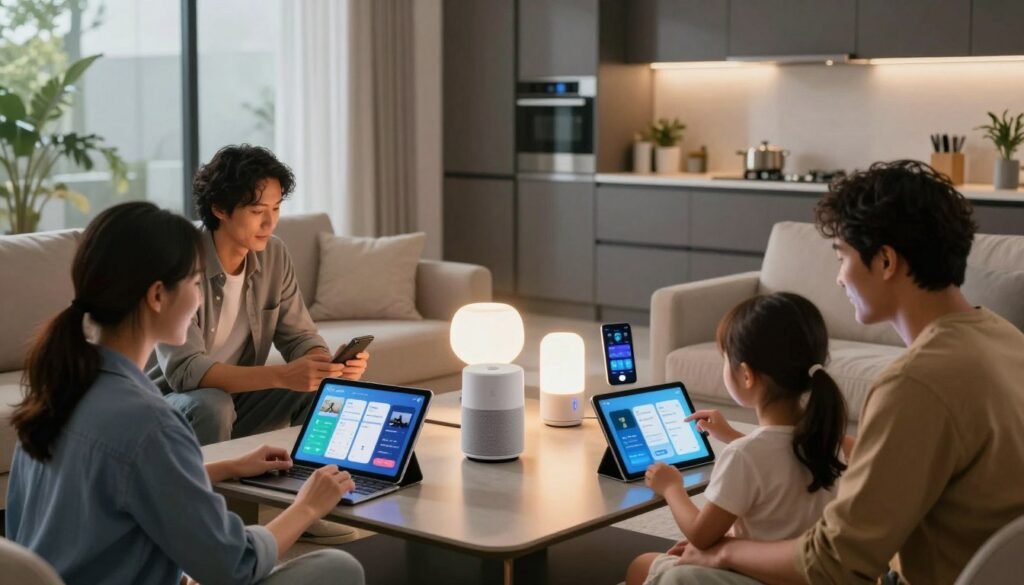
The easiest ecosystem to live with is usually the one your current devices already support. Familiar tools can cut setup time and keep control in apps you already use.
Check four details before settling on a system:
- Which voice assistant do you already use at home?
- Are your phones and other household devices mainly Apple or Android?
- Do your current device brands support the ecosystem you prefer?
- Would you rather use one main app or a mix of systems?
Alexa, Google Home, Apple HomeKit, and SmartThings each bring different device and app support. An open system may suit users who want to link products with more control over settings.
Your household can use more than one ecosystem. A smart speaker, for example, may control some products through one assistant while a separate app handles other devices.
Features can differ across platforms, even when a device connects to each one. Check which controls, alerts, and automations each app offers before you rely on them.
A smart home platform comparison can help you see how compatibility, setup, voice control, and privacy differ across systems. Ecosystem choice narrows the field, but connection standards determine whether devices from different brands can communicate.
Which Protocols Matter in a Small Apartment?
A hub can only coordinate devices whose connection types it can actually handle. Check the device label before assuming a product will join your network.
Match each device’s connection to a hub that supports it. Matter can help products work across supported ecosystems, but it does not promise every feature in every app.
| Standard or connection | What it is used for | What to check on the hub | Apartment-specific consideration |
|---|---|---|---|
| Wi-Fi | Connects devices directly to a home network | Supported Wi-Fi setup and device requirements | Many connected devices share the apartment network |
| Zigbee or Z-Wave | Connects compatible lights, locks, sensors, and other products | Which standards and device models the hub supports | A hub may avoid adding separate bridges |
| Thread | Links supported low-power smart devices | Whether the system includes a Thread Border Router | Check which part of your setup provides that connection |
| Matter | Helps supported products communicate across ecosystems | Which Matter devices and features the hub supports | Certification does not ensure every feature appears in every app |
Matter is a smart home interoperability standard that supports local communication over a home network. Thread is one connection technology used by Matter devices.
A Thread Border Router is a network device that connects Thread-enabled smart products to the rest of your smart home network. A hub may support Matter without serving this role, so check the product details.
Wi-Fi, Zigbee, Z-Wave, Bluetooth, Thread, and Matter appear across the options in this roundup. They are not all the same kind of standard, and support varies by product.
For an example of checking thermostat connectivity and platform support, see this smart thermostat compatibility guide. After checking connection support, consider whether key routines keep working when cloud services or internet access are unavailable.
Will the Hub Work Without the Cloud?

If your internet connection drops, the result depends on where the hub and each device process commands. Local processing can keep some routines available, while cloud services may stop responding.
Do not assume every feature works offline just because a hub offers local control. The device, feature, and connection all affect what continues.
A voice assistant may send a request to a cloud service to understand it or reach an online feature. If the internet connection is down, that request may fail even when the hub remains powered.
Local processing happens within the apartment’s local network. A compatible automation, such as turning on a light when a sensor detects motion, may continue without internet.
Remote access often depends on an internet connection. Some integrations and device features may also rely on cloud processing, even if other functions stay local.
Check the specific devices and features you plan to use. A hub’s local control does not make every connected product independent of online services.
Connected locks and sensors can raise privacy and access questions in rentals. CNET’s report on landlord-installed smart home devices describes risks such as exposed access codes and device vulnerabilities.
Once you know which functions depend on an internet connection, plan a setup that is easy to install and test in a rental.
How Can You Set Up a Hub Without Altering the Apartment?
Start on a counter or shelf before committing to a permanent location. A temporary spot lets you test signal and control without changing the room.
Keep setup reversible unless your lease and landlord allow changes. A hub can often work from a shelf, with no drilling or new wiring.
- Choose a stable central location away from likely signal obstructions, such as metal furniture or crowded corners.
- Place the hub on a shelf or counter unless the product supports a renter-approved mounting method.
- Connect it to power and the apartment network as the manufacturer directs.
- Pair a small set of lights, plugs, or sensors in the companion app.
- Test each device and a basic automation from different parts of the apartment.
Place and connect the hub
A central shelf can help the hub reach devices in several rooms. Keep it near a power outlet, but avoid hiding it behind a television or inside a closed cabinet.
Ethernet is an option only when both the hub and apartment network support it. Follow the maker’s directions, and do not drill or change wiring without permission.
Pair devices and test simple automations
Add only a few products at first. Pair one light, plug, or sensor, then check whether the app shows its status and responds to a command.
Try a basic automation after individual devices work. For example, a motion sensor might turn on a compatible light, but both products must support that action.
Test from the far side of the apartment as well as beside the hub. A device that works nearby may lose connection behind walls or furniture.
For a related example, this smart thermostat setup guide covers app control and basic connectivity checks. A small, tested setup is easier to troubleshoot, and its performance also depends on the apartment’s Wi-Fi arrangement.
Does a Smart Hub Need Its Own Internet Connection?
A smart home hub normally connects to your apartment’s local network, not to a separate internet plan of its own. The router is the link between the hub, Wi-Fi devices, and internet service.
Some features need internet access, but local features may still work without it. The exact result depends on the hub and products you use.
Some smart devices join the router’s Wi-Fi directly. Other products communicate through a hub, which then connects to the apartment network.
Cloud-based controls and remote access often need an internet connection. Local features may continue without internet, depending on the products and how their automations work.
For a question like “What is the best wifi for an apartment?” start with what service reaches your address. The best option also depends on the layout and number of connected devices, so check coverage and equipment needs before choosing.
A router’s location can affect devices in distant rooms. A small apartment with thick walls may need a different setup from an open floor plan.
Once the network requirements are clear, account for the cost of the hub and any ongoing services.
What Will the Hub Cost Over Time?
The purchase price is only one part of what a hub can cost over time. Look beyond hardware to subscriptions, cloud services, and accessories you may need.
Home Assistant software is free and self-hosted; optional Home Assistant cloud hosting through Nabu Casa costs $6.50 per month.
| Cost item | What to check | When it may apply | Example or known detail |
|---|---|---|---|
| Hardware | Current product listing and included parts | Buying any dedicated hub | Retail prices for the five picks are not established here |
| Optional subscription or cloud service | Monthly fee and included features | Remote access or extra cloud features | Nabu Casa Home Assistant hosting costs $6.50 per month |
| Required bridge or accessory | Whether a device needs a separate connection point | When the hub lacks a needed connection | Check the device and hub requirements before adding one |
Home Assistant’s core software can run on self-hosted hardware without that optional cloud service. Paid hosting can add cloud access, but whether it helps depends on your needs.
Product prices and service terms can change. Check current product and service listings before you buy, including what comes in the box and whether an accessory is required.
Weigh any recurring costs against how much control and convenience you will actually use.
Which Hub Is the Best Fit for Your Apartment?
Start with the device that is hardest to manage, not the hub with the longest feature list. Solve the real problem first, then consider room to add devices later.
A separate hub may add little value if a few Wi-Fi products already work well through their maker’s apps. Choose a dedicated system when it improves control, automation, or device support.
Buy a hub to fix a real gap in your setup, not simply to collect more features. A few well-supported devices may need no extra control point.
- Choose Amazon Echo (4th Gen) if Alexa and Zigbee control suit the devices you already own.
- Choose Google Nest Hub Max if you prioritize Google voice control and a visual control point.
- Choose Apple HomePod mini if your home already relies on Apple devices and HomeKit.
- Choose Home Assistant Green or Aeotec Smart Home Hub if you want more configuration or SmartThings multi-protocol support, and accept their setup tradeoffs.
Home Assistant Green makes more sense if you want to configure the system yourself and can manage its learning curve. Aeotec is a better match if you already use SmartThings and need support for several connection types.
A renter with a few Wi-Fi lights and plugs may be happier using each maker’s app. A hub becomes more useful when you want one place for control or routines across compatible brands.
Consider how you use the devices every day. Voice control may matter more than a screen, while a display may be useful if you prefer visible buttons and status.
Check compatibility for the products that matter most, especially locks and sensors. Make the smallest choice that solves the current problem and leaves room to expand.
Conclusion
For most renters, the best choice is the hub that fits existing devices without requiring permanent changes. Compatibility comes first, followed by the ecosystem you already use and how much setup you want to handle.
A basic control point may suit a small collection of lights and plugs. A more configurable system can help when you want custom routines or local control, but it takes more care to set up and maintain.
Before buying, list the devices you want to connect and confirm their supported platforms. Then check the shortlisted hub’s current specifications before purchasing.