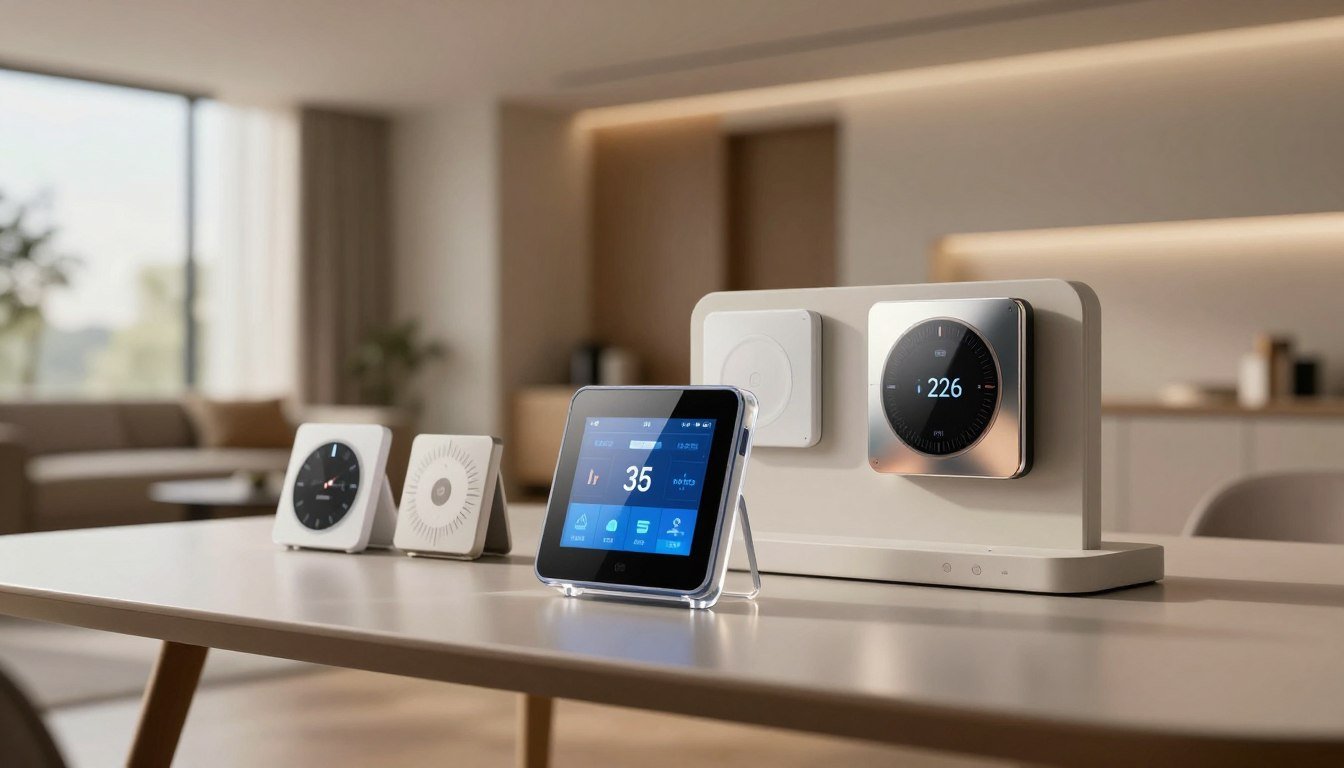
At WisedHome, we think your home should save you money, not cost a lot. This year, new smart thermostats are changing how we control our homes. They promise comfort without breaking the bank.
Looking for the best smart thermostats in 2026 means more than just Wi-Fi. Our smart thermostat reviews dive into how they handle complex systems and room-by-room sensing. We also check how well they work with voice assistants.
Real savings come from smart scheduling and automation. These features cut down on heating and cooling costs. We’ve looked at four top models to help you pick the right one for your home. Your choice should match your comfort needs and work with your current heating and cooling setup.
Key Takeaways
- Check if the thermostat fits your HVAC system before buying.
- Features like automation and scheduling can save you money each month.
- Remote control is common, but sensors for each room offer better comfort.
- Voice assistants make it easy to adjust your home’s temperature every day.
- Pick a thermostat that meets your heating and cooling system’s needs.
How to Define Your Home’s Thermostat Requirements
Before you look at the top smart home thermostats, you need to check your current HVAC setup. Understanding your home’s needs is key to picking the right thermostat. This step helps avoid compatibility issues and ensures the thermostat fits your lifestyle.
Assess Your HVAC System and Existing Wiring
First, check your thermostat wiring for a C-wire. This wire is essential for constant power to smart devices. Without it, you might need an adapter or a special thermostat for older homes. Compatibility is non-negotiable when upgrading your climate control.
Next, find out how many stages your heating and cooling system has. Advanced systems need multi-stage support, while simple furnaces require less. Also, check if you have accessories like humidifiers or dehumidifiers that need special wiring.
Map Your Household’s Comfort Preferences
Think about your daily routine and how your family uses different rooms. If pets or family members spend time in certain areas, consider energy-saving smart thermostats with remote room sensors. These sensors help keep temperatures even in important areas.
Decide if you want advanced scheduling or a device that learns your habits. If your home has multiple floors, you might need to manage different zones. Personalized climate control is a big reason to get smart technology.
Set Energy, Budget, and Installation Priorities
It’s important to balance your budget with the features you need. Some thermostats have fancy features, while others focus on efficiency and app control. Decide if you want to install it yourself or hire a pro for complex systems.
Also, think about the long-term savings of energy-saving smart thermostats. A device that tracks energy use can help you save money. By setting these priorities, your investment will bring comfort and savings for years.
Best Smart Thermostats in 2026: Top Models Compared
Finding the best smart thermostats in 2026 means knowing how they compare. Today’s top models focus on saving energy, learning your habits, and working well with smart homes.
“The true value of a smart thermostat lies not in its ability to be controlled from a phone, but in its capacity to learn your habits and save energy without you ever touching a dial.”
Google Nest Learning Thermostat (4th Gen)
The Nest Learning Thermostat is a leader in AI-driven climate control. It watches your daily habits and adjusts the temperature to save energy and keep you comfortable.
Its adaptive automation is unmatched. It’s perfect for those who want to forget about adjusting the temperature. Plus, its design fits well with modern homes.
ecobee Smart Thermostat Premium
For room-by-room comfort, choose the Ecobee Smart Thermostat Premium. It has a remote sensor that checks temperature and occupancy, keeping rooms just right.
This thermostat is packed with features, including air quality monitoring and wide smart-home compatibility. It’s great for managing large homes with uneven heating or cooling.
Amazon Smart Thermostat
The Amazon Smart Thermostat is an affordable way to start with home automation. It works well with Alexa, making it perfect for Amazon fans.
It doesn’t have all the sensors of more expensive models, but it still offers scheduling and energy-saving reports. It’s a smart choice for those on a budget who want top-rated wifi thermostats.
Honeywell Home T9 Smart Thermostat
The Honeywell Home T9 is known for its targeted remote-room comfort. It uses smart sensors to focus on specific areas of your home. It’s loved for its easy-to-use interface and strong performance.
Availability for this model might be limited in some areas. Always check current stock and support from the manufacturer before buying.
| Model | Best For | Key Strength |
|---|---|---|
| Google Nest (4th Gen) | AI Automation | Learning Algorithms |
| ecobee Premium | Multi-room Comfort | Advanced Sensors |
| Amazon Smart | Budget/Alexa | Value |
| Honeywell T9 | Targeted Heating | Reliability |
When looking at smart thermostat reviews, think about your home’s HVAC needs. The right thermostat saves energy and keeps your home comfortable over time.
How to Compare Smart Thermostat Features and Compatibility
Choosing the right smart thermostat starts with knowing your HVAC system’s needs. A detailed smart thermostat features comparison ensures a smooth integration with your current setup. This approach helps avoid compatibility issues with your existing hardware.
Step 1: Verify HVAC Compatibility Before Buying
Before buying the latest thermostat technology, check your system’s wiring and type. Most smart devices need a C-wire for constant power. Without it, you might need a power extender kit or professional help.
Also, ensure your system supports advanced settings. Key factors include:
- Multi-stage heating and cooling: Make sure the thermostat matches your equipment stages.
- Heat pumps: Check if it works with auxiliary or emergency heat settings.
- Accessories: See if it supports humidifiers, dehumidifiers, or ventilators.
- Voltage: Use low-voltage smart thermostats only on low-voltage systems.
Step 2: Compare Connectivity and Smart-Home Platforms
Today’s devices connect differently. Look for support for the Matter protocol for easy use across brands. This keeps your thermostat working with Apple Home, Google Home, or Amazon Alexa.
Good Wi-Fi is key for remote access and updates. Make sure it works with your network frequency to avoid drops. A stable connection is crucial for any smart thermostat features comparison.
Step 3: Examine Sensors and Climate-Control Intelligence
Smart thermostats learn and adjust to your life. They use geofencing to adjust temperatures when you leave. They also use occupancy detection and remote sensors for better comfort.
Adaptive scheduling is a big plus of the latest thermostat technology. It learns your habits for a personalized schedule. This saves energy without needing constant manual changes.
Step 4: Review Privacy, Security, and Software Support
Keeping your data safe is as important as controlling your temperature. Look into how manufacturers handle your data. Choose devices with two-factor authentication and strong security.
Also, think about the product’s long-term support. Check for regular updates and security patches. Avoid models with expensive subscriptions for basic features, as they can increase costs over time.
How to Choose Energy-Saving Smart Thermostat Settings
Smart technology helps us save energy and keep our homes comfy all year. With energy-saving smart thermostats, we can control our energy use better. It’s about moving from simple manual settings to smart, automated control.
Build a Practical Heating and Cooling Schedule
Having a set schedule is key to saving energy. Set your thermostat to lower the heat or cool the air when you’re not home. This could be during work or school days.
It’s important to be consistent, but also adjust for weekends and vacations. This way, you won’t waste energy heating or cooling an empty house.
Today’s devices let you control every day of the week. By matching your HVAC use to your schedule, you save a lot of energy. This simple step can cut your energy bills a lot.
Use Automation Without Sacrificing Comfort
Features like geofencing and learning algorithms make your system smart. Geofencing changes the temperature based on where you are. This keeps your home comfy when you get back.
Auto-changeover switches between heat and cool based on your preference. This stops your system from fighting the weather. You can also set temperature limits for things like plants or pets.
Track Energy Reports and Adjust Based on Results
New thermostat trends and innovations make tracking easy. Most devices give monthly reports on your energy use. These reports offer tips to save more energy based on your local weather.
Don’t ignore filter change reminders and maintenance alerts. A clean filter means your system works better, saving energy. Checking these reports monthly helps you fine-tune your settings and catch problems early.
Understand the Limits of Smart Thermostat Savings
Smart thermostats are great, but they have limits. Your savings depend on your home’s insulation, HVAC age, and local rates. A smart device can’t fix a poorly insulated home or an old furnace.
Also, constant manual changes can undo your savings. If you often change the temperature, your system can’t stay efficient. Use the table below to see how different features help manage your home.
| Feature | Primary Benefit | Efficiency Impact |
|---|---|---|
| Geofencing | Automated Away Mode | High |
| Learning Algorithms | Predictive Comfort | Medium |
| Energy Reports | Usage Awareness | Low to Medium |
| Remote Sensors | Balanced Temperatures | Medium |
How to Install and Configure a Smart Thermostat Safely
Before you start using your top-rated wifi thermostats, make sure you install them safely and correctly. This step is crucial to avoid damaging your HVAC system. It also ensures your new device works perfectly.
“Safety is not just a suggestion; it is the most critical component of any home electrical upgrade.”
Step 1: Shut Off Power and Document the Existing Wiring
First, turn off the power to your heating and cooling system at the breaker box. This is a must before you touch any wires. After the power is off, remove the old thermostat cover to see the wiring.
Take a clear photo of the current wiring connections. This will help you remember how things were. If you see thick wires or wire nuts, you might need a pro.
Step 2: Mount the New Thermostat and Connect the Terminals
When installing your top-rated wifi thermostats, don’t just look at wire colors. They can differ from home to home. Instead, match the wires to the labels on your new wall plate.
Make sure the wall plate is level before you attach it to the wall. If your system lacks a dedicated C-wire, you might need a power extender kit. This kit provides the constant power needed for smart features.
Step 3: Complete App Setup and HVAC Equipment Selection
After mounting the hardware, download the app from the manufacturer. This app will help you set up your thermostat digitally. It will guide you in identifying your HVAC equipment, like heat pumps or furnaces.
Choose the right equipment type for your thermostat. This ensures it works well with your furnace or air conditioner. Wrong settings can cause problems or make your system less efficient.
Step 4: Test Heating, Cooling, Fan, and Accessories
After setting up the software, test all functions thoroughly. Turn on the heating and cooling modes manually. This checks if the system works right away.
Also, test the fan and any accessories, like humidifiers. Make sure they work as they should. This step confirms your top-rated wifi thermostats are fully set up and ready to control your home’s climate.
How to Use Room Sensors and Advanced Home Climate Control
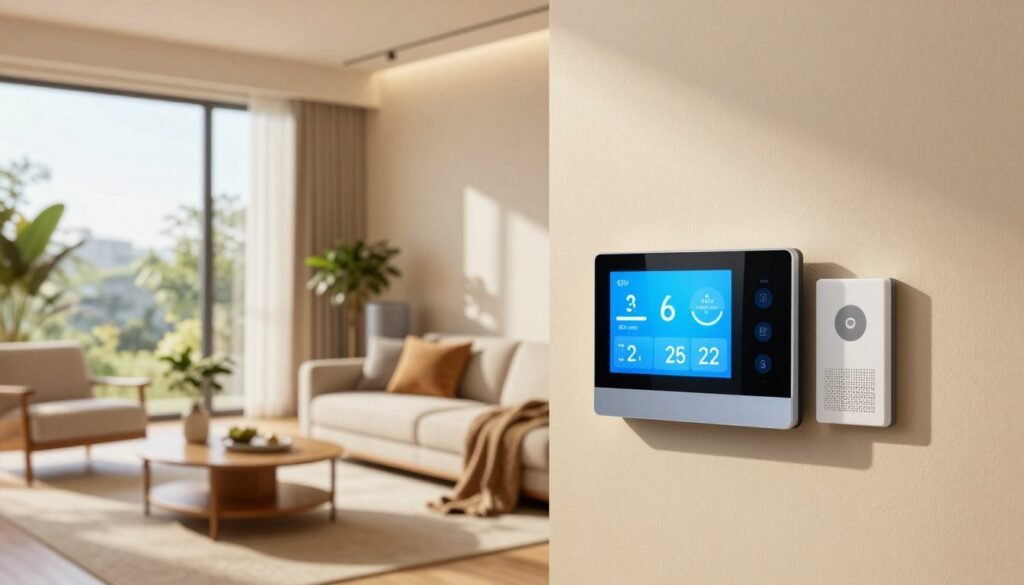
Getting comfort in every part of your home needs more than just a thermostat. By adding remote sensors, you can have advanced home climate control. This system checks temperatures in specific spots, not just where your thermostat is.
Place Sensors Where Comfort Problems Actually Occur
To make your system work best, put sensors in rooms that often feel wrong. This includes master bedrooms, home offices, or nurseries. These areas usually have different temperatures than the main living space.
Don’t put sensors in spots that give misleading data. Keep them away from sunlight, air vents, doors, and kitchen appliances. This ensures the readings are accurate and trustworthy.
Configure Sensor Participation by Schedule
Smart thermostats let you pick which sensors control your HVAC system at different times. For example, you can make your home office comfortable during work hours. This helps you stay focused on your tasks.
At night, set the system to focus on your bedroom sensor. This way, your advanced home climate control keeps your sleeping area at the ideal temperature until morning.
Balance Comfort Across Multiple Floors and Zones
Many homes have temperature differences between floors because heat rises. Remote sensors can’t create separate HVAC zones. But they make your system smarter.
Your thermostat can average temperatures from different rooms. This makes the fan or heating system work better. It helps balance comfort in your whole home. This reduces hot or cold spots in upstairs bedrooms or basements.
How to Judge Smart Thermostat Apps, Controls, and Reliability
When you look at the latest thermostat technology, the quality of the mobile app is key. It’s not just about what’s on the box. How you use it every day makes a big difference. A good app lets you control your home’s climate easily, without getting stuck in complicated menus.
Compare Daily Controls and Scheduling Workflows
First, see how fast you can change settings or override a schedule. The best apps make these actions quick and easy. They should also show you your heating and cooling history clearly, helping you track your energy use.
Reliability is tested when your internet goes down. A good thermostat keeps following its schedule, even without Wi-Fi. Also, check if the app can easily recover from lost connections without needing a full reset.
Test Voice Commands and Smart-Home Automations
Modern devices should work well with your other smart home tools. Check how well it works with Alexa, Google Assistant, or Apple HomeKit. Make sure you can change settings or switch modes with simple voice commands.
Advanced features like geofencing and occupancy sensors save energy when you’re not home. The app should let you create custom routines based on your location or time of day. Being compatible with the Matter standard is also a big plus for future-proofing.
Review Alerts and Maintenance Notifications
Getting alerts early can help prevent costly repairs. A good system will warn you about filter needs, extreme temperatures, or system faults. These alerts should be clear, easy to act on, and simple to manage in the app settings.
The table below shows important metrics for judging a thermostat’s reliability and ease of use. This smart thermostat feature comparison, which helps you focus on what’s most important for your home.
| Feature Category | Reliability Metric | Ease of Use Rating |
|---|---|---|
| App Responsiveness | Low Latency | High |
| Offline Operation | Local Scheduling | Essential |
| Voice Integration | Multi-Platform Support | High |
| Maintenance Alerts | Real-time Diagnostics | Critical |
How to Match a 2026 Smart Thermostat to Your Home
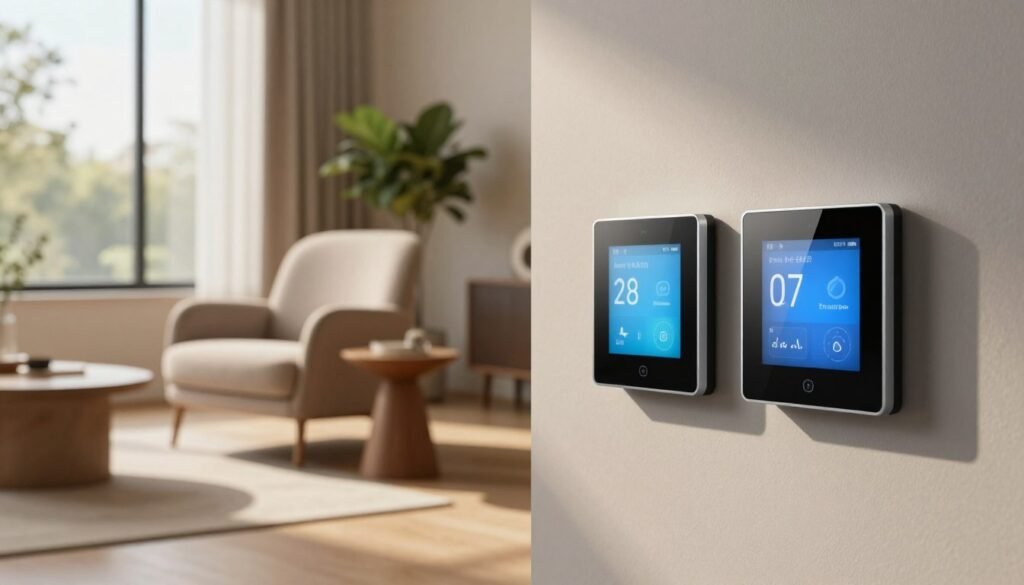
Finding the right smart home thermostat is all about what you need. Think about automation, comfort in different rooms, and your budget. This way, you pick a device that really makes your home better. It’s about getting value and ease for the long run.
Choose Google Nest Learning Thermostat (4th Gen) for Adaptive Automation.
The Google Nest Learning Thermostat is great for those who like simplicity. It learns your habits and adjusts the temperature to save energy. It looks modern and works well with Google Home.
Choose the Ecobee Smart Thermostat Premium for Room-by-Room Comfort
The Ecobee Smart Thermostat Premium is perfect for controlling the climate in different rooms. It uses sensors to find where you are and adjust the temperature. It’s best for big homes where comfort is key.
Choose Amazon Smart Thermostat for Affordable Alexa Control
The Amazon Smart Thermostat is a good choice if you’re on a budget. It works well with Alexa and is easy to use. It’s a simple way to control your home’s temperature without spending a lot.
Choose Honeywell Home T9 for Targeted Remote-Room Comfort
The Honeywell Home T9 focuses on comfort in specific areas. It uses sensors to make sure the rooms you’re using are comfortable. Check if it’s available in your area, as stock can change.
| Model | Best For | Key Strength | Ecosystem |
|---|---|---|---|
| Google Nest (4th Gen) | Automation | Learning Algorithms | Google Home |
| ecobee Premium | Multi-room Comfort | Remote Sensors | Universal |
| Amazon Smart | Budget | Affordability | Alexa |
| Honeywell T9 | Targeted Zones |
Room Prioritization |
Alexa/Google |
Conclusion
Choosing the right smart thermostat is all about your home’s needs. Look for models that fit your HVAC system and wiring. Also, make sure they match your comfort patterns.
It’s important to find thermostats that work well with your smart home. They should also offer strong privacy and easy app control.
Today’s smart thermostats come with cool features like AI scheduling and air-quality monitoring. These are great if they meet your home’s needs. Look out for Matter connectivity and water-leak detection for added safety.
Real energy savings come from smart temperature control. By setting up schedules and making smart adjustments, you can save a lot. Let your device manage the temperature for you.
Here’s a simple guide to help you decide. If you want a budget-friendly option with Alexa, go for the Amazon Smart Thermostat. For advanced automation, the Google Nest Learning Thermostat (4th Gen) is the way to go.
If you need control over each room, consider the ecobee Smart Thermostat Premium or the Honeywell Home T9. Your ideal thermostat is just a few steps away.
FAQ
What makes the best smart thermostats in 2026 different from older models?
The 2026 models are all about Matter connectivity for smart-home use. They also use advanced AI for smart heating and detailed energy reports. These reports work with local utility prices.
Do I really need a C-wire for top smart home thermostats?
Some thermostats, like the Nest, can work without a C-wire. But a C-wire is best for constant power. It keeps Wi-Fi and sensors working without battery drain or system pulsing.
How do energy-saving smart thermostats actually lower my bill?
They save money by automating your heating and cooling. They use geofencing to lower heat when you leave. They also adjust schedules to save energy during peak hours.
Which are the top-rated wifi thermostats for Apple HomeKit users?
The Ecobee Smart Thermostat Premium is the top choice for HomeKit. Many 2026 models also support HomeKit through Matter.
What are the biggest thermostat trends and innovations to look for this year?
Look for thermostats with air quality monitoring and integration with battery storage systems. Also, watch for weather adjustments based on humidity and solar forecasts.
Can I install a smart thermostat myself if I have a multi-stage heat pump?
Yes, if you document your wiring well. But multi-stage systems need specific support. Make sure your thermostat model fits your system.
Are remote sensors worth the extra cost for advanced home climate control?
Yes, if you have uneven temperatures in your home. Sensors help focus on the room you’re using. This is great for home offices or nurseries.
https://www.youtube.com/watch?v=C-sk2ZO4bEA