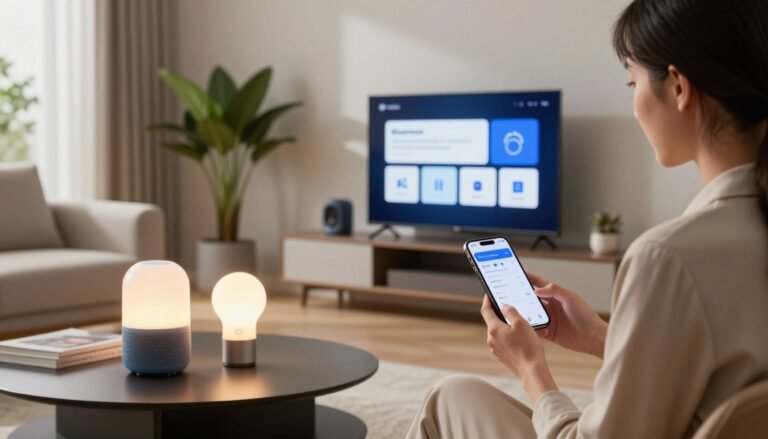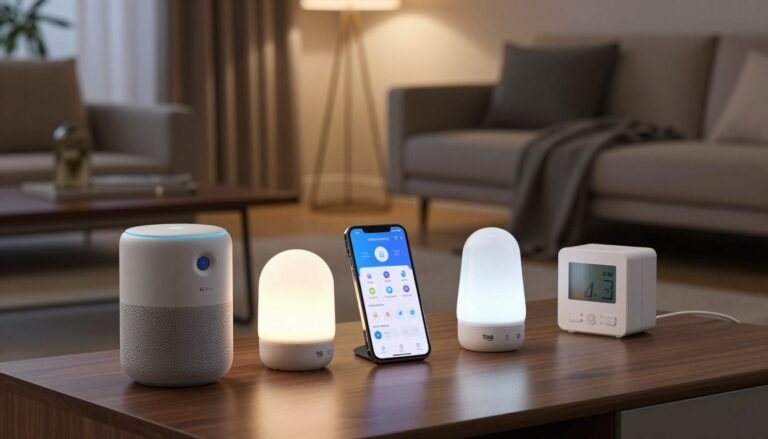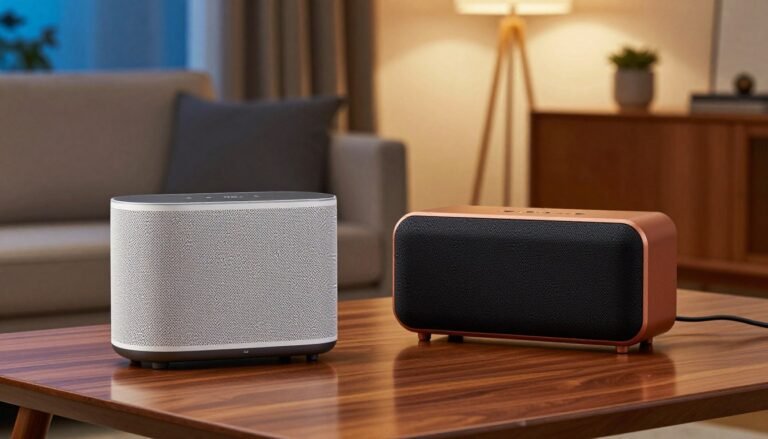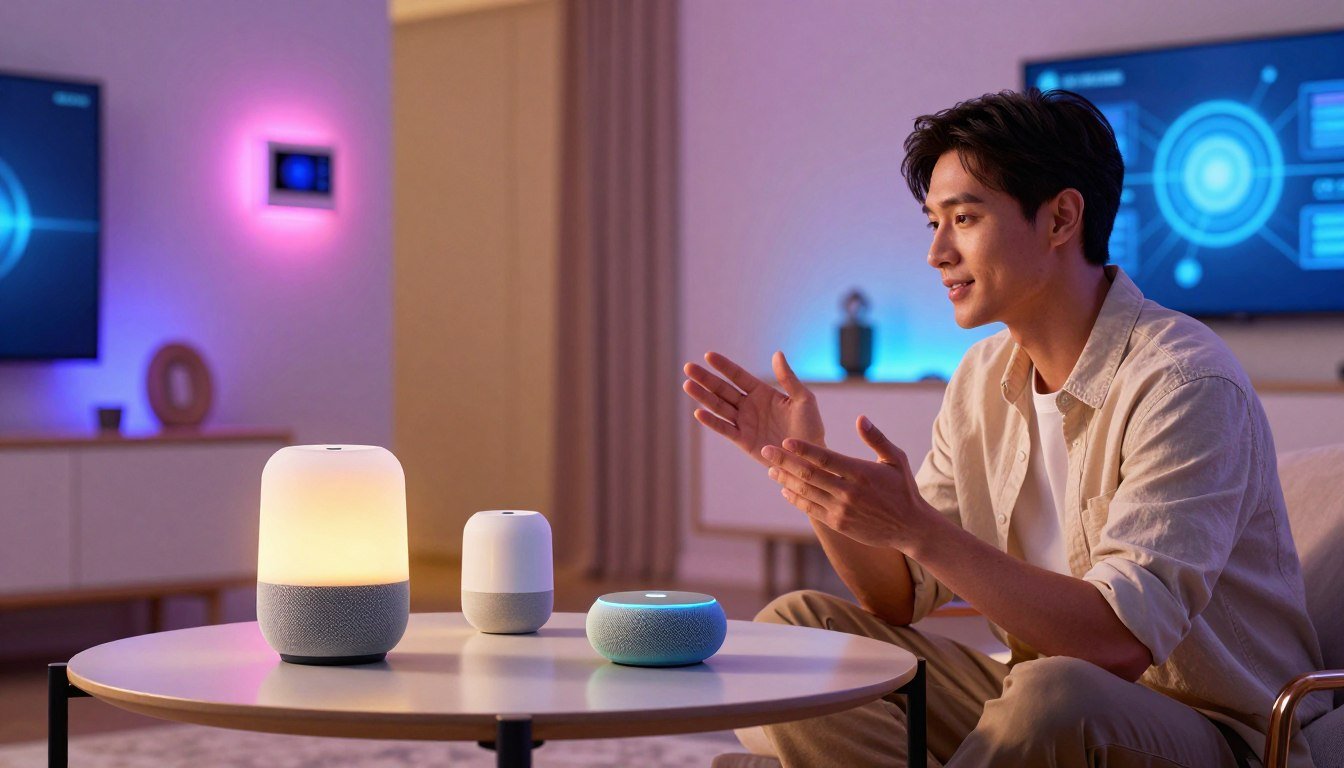
Did you know over 80% of U.S. households will use connected devices by 2026? This shows how home automation systems have become key for modern life. They do more than just take voice commands; they make our homes smart and aware.
Understanding the virtual assistants showdown is crucial. Our smart home ecosystem review breaks down the tech to help you choose. Whether you care about privacy, compatibility, or AI, this guide makes it easy.
We look at the newest voice assistants features and compare smart speakers to help you decide. Knowing the differences between amazon alexa vs google home vs apple homekit is key to a smart home.
Key Takeaways
- Smart home adoption is reaching record highs across the United States.
- Modern platforms have evolved into complex, context-aware ecosystems.
- Choosing the right hub depends on your specific privacy and compatibility needs.
- Voice assistants now offer deeper integration with daily routines.
- Our analysis helps you navigate the top three market leaders effectively.
The Evolution of Smart Home Ecosystems in 2024
In 2024, smart home tech has evolved from simple remote control to AI-driven assistance. Our latest technology analysis shows that the old days of isolated gadgets are over. Now, homes are becoming smart, cohesive environments that meet our needs before we even ask.
This change is thanks to standards like Matter and Thread. These allow devices from different makers to talk to each other easily. This has opened up more choices for consumers and made things more unified.
“The true potential of the smart home lies not in the devices themselves, but in their ability to work together as a single, intelligent system that simplifies daily life.”
To grasp this shift, we need to see how home automation has evolved. The next technology analysis will show the big differences between old and new smart home systems.
| Feature | Legacy Smart Home | Modern 2024 Ecosystem |
|---|---|---|
| Connectivity | Proprietary Hubs | Universal Standards (Matter) |
| Intelligence | Reactive Commands | Proactive AI Assistance |
| Setup | Complex Manual Pairing | Seamless Auto-Discovery |
| Reliability | Cloud-Dependent | Local Processing Priority |
Now, the focus is on local processing and privacy. Systems are faster, more secure, and work better offline. This change is a big step forward in consumer-grade automation.
Amazon Alexa: The King of Compatibility and Skills
Amazon Alexa leads in supporting third-party devices in home automation. It offers a highly accessible framework for integrating products from hundreds of manufacturers. A smart home devices comparison shows Alexa is the most versatile for users who value wide hardware support.
Core Architecture and Voice Recognition Capabilities
The Alexa experience is built on a cloud-based architecture that processes natural language quickly. Updates, like the Echo Hub, have moved some processing to the local network. This local connectivity makes your commands faster.
Voice recognition has improved a lot. It can now better handle noise and understand different speakers. This means your commands are executed accurately, even in noisy places.
The Vast Library of Alexa Skills and Routines
The Alexa Skills marketplace is a big plus. These mini-apps let you do more with your devices than just basic tasks. You can customize your home environment with skills for security, entertainment, and energy management.
Routines tie these skills together, allowing for complex automation. With a single phrase, like “Alexa, goodnight,” you can lock doors, dim lights, and adjust the thermostat. This limitless customization is great for users who like to fine-tune their routines.
Hardware Integration with Echo Devices
Amazon offers a wide range of hardware, from simple plugs to smart displays. Each device connects to the broader ecosystem, keeping your setup cohesive. Whether you need a compact speaker or a large display, integration is seamless.
| Feature Category | Alexa Capability | User Benefit |
|---|---|---|
| Device Compatibility | Extensive | Works with most brands |
| Automation Logic | High | Complex routine creation |
| Local Processing | Growing | Faster command execution |
| Skill Marketplace | Unlimited | Customized functionality |
The strength of Alexa’s ecosystem is its ability to meet your needs. By using these tools, you can create a smart home that grows with you. Regularly comparing smart home devices will show why Alexa is a top choice for many.
Google Home: The Power of Artificial Intelligence and Search
Google Home has changed how we interact with our homes. It uses Gemini AI to understand what we need before we ask. This makes your home more personal and responsive.
Google Assistant Integration and Contextual Understanding
Google Assistant is great at understanding what you mean. It uses advanced language models to get your intent. It also knows your voice tone and location for better answers.
“The future of the smart home is not just about connectivity; it is about intelligence that understands the human experience in real-time.”
This makes automation feel natural. Whether it’s changing the lights or setting schedules, it gets your habits.
Smart Display Functionality and Nest Ecosystem Synergy
Nest devices work well with Google’s software. Smart displays show you security feeds and media controls. These voice assistants features work great with Nest thermostats, cameras, and doorbells.
- Unified control of all Nest-compatible devices.
- Visual feedback for complex queries and security alerts.
- Proactive notifications based on sensor data.
Data Privacy and Google Account Synchronization
Managing your smart home is easy with Google Account sync. Your settings and preferences are everywhere. Security and privacy are top priorities.
Users control their data in the Google Home app. It keeps your info safe while making your life easier. This is key for a modern, connected home.
Apple HomeKit: Privacy, Security, and Seamless Integration
Apple HomeKit is all about keeping your home safe and private. It doesn’t send your data to the cloud like some other systems. This means your personal info stays safe from hackers and snoops.
The Apple Philosophy on Local Processing and Privacy
Apple believes in local processing. It makes sure your actions stay private by doing things right on your devices. So, you don’t have to send your data to a server just to control your lights or thermostat.
This focus on privacy has many benefits:
- End-to-end encryption for all device communications.
- Less data collection to avoid profiling.
- Commands are faster since they don’t need cloud approval.
HomeKit Secure Video and Advanced Encryption Standards
HomeKit Secure Video keeps your surveillance safe. It stores your camera footage in iCloud with full end-to-end encryption. Only you and your family can see the recordings, keeping your home private.
The system also checks for motion on your local hub, not in the cloud. This means your video analysis stays on your device, keeping your data safe. It’s a smart way to manage your home automation systems without worrying.
The Role of the HomePod and Apple TV as Hubs
You need a central controller for your smart devices. The Apple TV and HomePod are the main hubs that connect your gadgets to the internet. They act as the secure gateway for your network, controlling access and keeping things safe.
Using these hubs gives you a stable and fast environment for your connected home. They make sure all your devices talk to each other smoothly, no matter the brand. This makes it easy to keep your home automation systems secure and reliable as they grow with you.
Amazon Alexa vs Google Home vs Apple HomeKit: A Comparative Analysis
In the virtual assistants showdown, each system focuses on different needs. To pick the best, we must see how they work in real life. The amazon alexa vs google home vs apple homekit debate is key for any smart home.
Amazon Alexa leads in device compatibility and skill variety. It connects with thousands of gadgets, making it versatile. Yet, this flexibility can make the user experience less cohesive than its rivals.
Google Home shines with its superior artificial intelligence and search integration. It offers a natural conversation experience. Its device support is strong, especially with Nest for a unified setup.
Apple HomeKit focuses on privacy and local processing. It keeps your data safe at home, offering security cloud systems can’t match. Though it has fewer compatible devices, Apple’s ecosystem ensures a reliable and stable setup.
| Feature | Amazon Alexa | Google Home | Apple HomeKit |
|---|---|---|---|
| Primary Strength | Device Compatibility | AI & Search | Privacy & Security |
| Integration | Extensive Third-Party | Nest Ecosystem | Apple Hardware |
| Data Handling | Cloud-Based | Cloud-Based | Local Processing |
| Best For | Smart Home Enthusiasts | Information Seekers | Privacy-Focused Users |
Voice Assistant Responsiveness and Natural Language Processing
Modern voice assistants features have grown from simple tools to smart digital friends. They now understand context and intent, making our homes feel more like a human space. This change is a big step forward in how we use tech in our daily lives.
Accuracy in Complex Command Execution
Being able to handle complex commands is key for top voice assistants. Users want their devices to do things like turn off lights and adjust the thermostat with just one command. Google Assistant often leads because it uses search data to understand context better.
Amazon Alexa shines with its wide range of routines for customized automation. Apple HomeKit focuses on quick local processing for fast command execution. Each has its own strengths, but they all aim to guess what we need before we ask.
Multilingual Support and Regional Dialect Recognition
Developers are working hard to make voice assistants available worldwide. They’ve trained their models to understand different accents and speech patterns. This means everyone gets the same high-quality service, no matter their accent.
Switching languages has also gotten easier, letting families use their preferred language without hassle. Google Home is currently the most versatile, supporting dozens of languages. As these voice assistants features get better, more people will be able to use them, no matter their language or accent.
Smart Home Device Compatibility and Third-Party Support
The world of smart homes is changing fast. For years, picking one brand was key to make all devices work together. Now, the focus is on making things work together better, no matter the brand.
The Importance of Matter and Thread Protocols
The Matter standard has changed the game. It lets devices from different makers talk to each other easily. This means your lights, locks, and sensors work well, even when the internet is down.
Thread is another big help. It’s a special network that lets devices connect directly. This makes your home’s network stronger as you add more devices.
| Protocol | Primary Benefit | Network Type |
|---|---|---|
| Matter | Universal Interoperability | Application Layer |
| Thread | Low-Power Mesh | Network Layer |
| Wi-Fi | High Bandwidth | Infrastructure |
Navigating Proprietary Ecosystem Restrictions
Even with open standards, some makers still stick to their own systems. When comparing smart home devices, look for hubs that can connect different systems. This lets you mix old and new devices easily.
“The future of the smart home is not about choosing one brand, but about ensuring that every device in your home can talk to the others seamlessly, regardless of who manufactured it.”
To stay flexible, choose devices with wide third-party support. This way, you can switch your main controller later. It keeps your home ready for new tech.
User Interface and Mobile Application Experience
Starting with your smartphone, navigating home automation systems is easier. The mobile app is your main way to interact with your home. A good design makes it simple to manage your home without hassle.
Designing and Managing Smart Home Automations
Advanced users want full control over their home automation systems. They can create complex routines. Top platforms offer visual editors for this, making it easy to set up routines without coding.
Managing your devices is key. The app should group them in a way that makes sense. This way, you can quickly access what you need, keeping your experience smooth.
Ease of Setup for New Smart Home Users
Starting out can be scary. But, makers have made it easier with automated device discovery and QR code scanning. These tools help you set up your home automation systems quickly.
Most apps have step-by-step guides for pairing devices. They use simple steps and visuals, making it easy for everyone. Now, setting up your smart home is straightforward, so you can enjoy it right away.
Automation Capabilities and Scene Creation
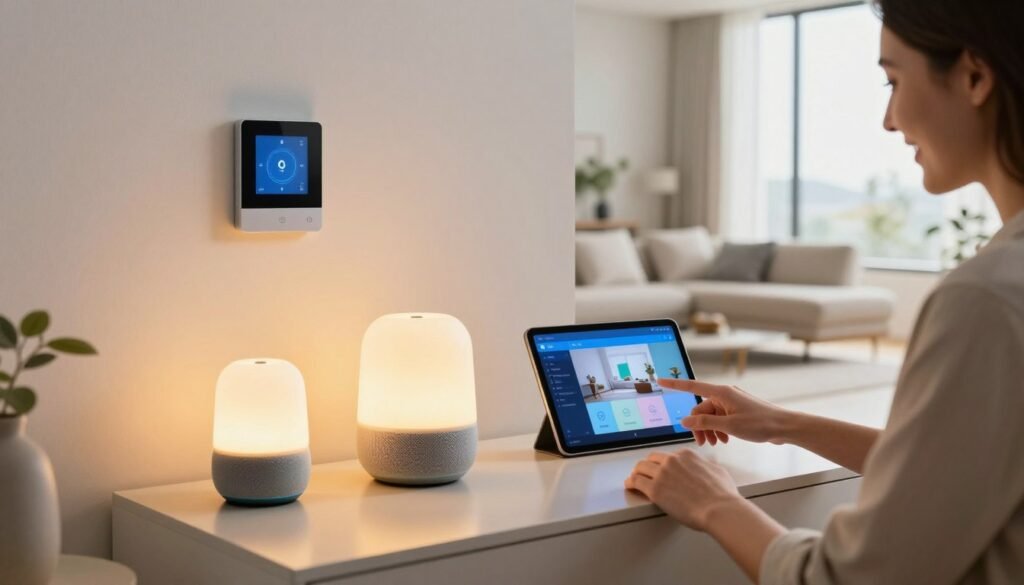
Automation is key in a modern smart home. It connects devices into a network. This lets you create intelligent scenes that adjust to your needs.
These home automation systems manage your digital home like a conductor.
Trigger-Based Logic and Sensor Integration
A smart home reacts to its surroundings. Trigger-based logic makes devices act on their own. For instance, lights turn on when you walk into a room.
Contact sensors on doors or windows add security. They can lock doors and turn off appliances when you leave. This saves energy and keeps you safe.
Advanced Scripting for Power Users
Power users want more control. Advanced scripting lets you create complex routines. These routines consider light levels, how many people are home, and the weather.
Tools like Home Assistant help you control everything. You can mix different brands into one system. This makes your home automation systems adaptable to any change.
Security Features and Data Protection Standards
Privacy and data safety are key in the virtual assistants showdown. As you add more devices, knowing how your data is handled is crucial. This keeps your home network safe.
Today’s smart homes use cloud and local processing for quick results. Finding the right mix is key to protect your data from threats.
Cloud Storage vs Local Storage Solutions
Cloud storage is very convenient, letting you access your smart home data from anywhere. But, it means your voice recordings and sensor logs travel over the internet. This makes them more vulnerable to attacks.
Local storage, on the other hand, keeps your data in your home. It greatly lowers the risk of outside breaches. Your sensitive info doesn’t leave your network to be processed.
“True privacy in the smart home era is not just about encryption; it is about minimizing the amount of data that ever leaves the user’s control.”
Authentication Methods and Account Safety
Securing your account is the first defense against unauthorized access. Using multi-factor authentication (MFA) is the best way to ensure only you can control your devices.
Top platforms now offer biometric verification and hardware security keys. These add an extra layer of protection. They stop hackers even if they get your main password.
| Feature | Amazon Alexa | Google Home | Apple HomeKit |
|---|---|---|---|
| Primary Storage | Cloud-Centric | Cloud-Centric | Local-First |
| Encryption | Standard AES | Advanced TLS | End-to-End |
| Authentication | 2FA/MFA | 2FA/MFA | Apple ID/FaceID |
| Privacy Focus | Moderate | Moderate | High |
The virtual assistants showdown shows that while all big providers have stepped up security, your habits matter most. Always update your firmware and check your privacy settings often. This keeps your smart home safe and secure.
Hardware Aesthetics and Physical Device Design
Adding tech to your home doesn’t mean you have to give up style. Today, makers focus on refined, lifestyle-oriented designs that match any decor. When comparing smart speakers, it’s clear that how they look is just as important as what they do.
Form Factors for Smart Speakers and Displays
There’s a wide range of shapes out there, from round speakers to sleek displays. Amazon’s Echo has fabric-wrapped spheres for a soft, organic look. Google Nest devices have rounded profiles with matte finishes for a clean look.
Apple’s HomePod is all about high-end sound and a compact shape. These different designs let you pick the perfect fit for your space. Whether it’s a small device for a corner or a big display for the kitchen, there’s something for everyone.
Integration into Modern Home Decor
Choosing devices that match your decor is key. Most brands offer neutral colors like charcoal and sand. These colors blend in with your room. Strategic placement is also crucial; hiding cables and placing devices in key spots can make your home look better.
Here’s a quick guide to help you choose:
| Brand | Primary Design Language | Material Finish | Best Placement |
|---|---|---|---|
| Amazon | Spherical & Compact | Recycled Fabric | Bedside Tables |
| Soft & Minimalist | Matte Plastic | Kitchen Counters | |
| Apple | Premium & Acoustic | Mesh Fabric | Living Room Shelves |
Choosing devices that match your home’s style makes tech feel like part of the space. A good smart speaker comparison should consider how the device looks when idle. The best devices enhance your home’s beauty while being useful.
Pricing Models and Long-Term Ownership Costs
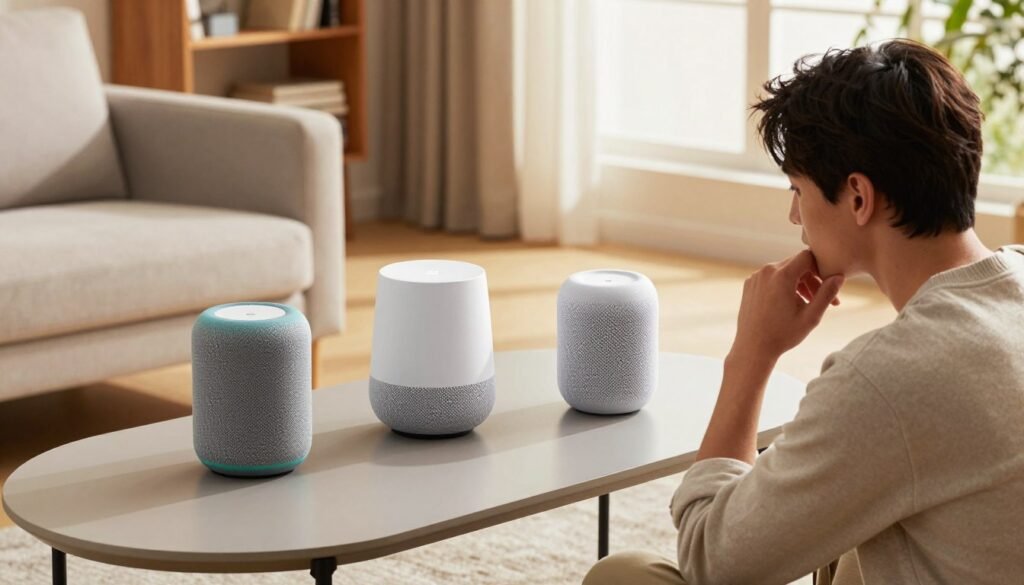
When comparing smart speakers, it’s key to look at the total cost of owning one. The initial price is just the start. The ongoing costs can differ a lot between brands. It’s important to consider both the cost of the device and any extra fees for advanced features.
Subscription Services and Premium Features
Most smart speaker systems now need a subscription for extra features. For example, Google Nest charges for more video history. Apple’s HomeKit Secure Video uses your iCloud+ storage. Amazon offers services like Alexa Together or Kids+ for a monthly fee.
These premium services offer important features like advanced motion detection and cloud recording. Think about if these features are worth the cost. Choosing a system that fits your current subscriptions can save you money.
Hardware Affordability and Value Propositions
The price of the hardware is a big part of any smart speaker comparison. Amazon’s Echo is often cheaper, making it a good choice for those on a budget. Google and Apple focus on premium products, which can cost more upfront.
But, the value of a device goes beyond its price. A more expensive device might have better sound or local processing. This could mean you won’t need to buy new devices as often. Here’s a comparison to help you decide:
| Ecosystem | Entry-Level Cost | Subscription Focus | Long-Term Value |
|---|---|---|---|
| Amazon Alexa | Low | Content & Care | High (Frequent Sales) |
| Google Home | Moderate | Security & Storage | High (AI Integration) |
| Apple HomeKit | High | Privacy & Cloud | Premium (Longevity) |
Your choice should balance how much you pay now and what you’ll pay later. Look at both the device cost and any subscription fees. A good smart speaker comparison will show the best value is where your needs meet the best price.
Choosing the Right Ecosystem for Your Lifestyle
Finding the right virtual assistants showdown can seem tough. But, your lifestyle is the key. It’s not just about the tech; it’s how it fits into your daily life. Choose an ecosystem that meets your needs for a great smart home experience.
Best for Tech Enthusiasts and Power Users
For those who love to tinker with tech, Amazon Alexa and Google Home are top picks. They support lots of third-party devices and have advanced tools. These platforms give power users detailed control over their smart home.
Best for Families and Casual Users
Families need a system that’s easy to use and reliable. Google Home is great for this because it’s easy to understand and works well with family calendars. The virtual assistants showdown shows Google’s voice recognition is perfect for homes with many users.
Best for Privacy-Conscious Consumers
If privacy is your top concern, Apple HomeKit is the best choice. It keeps your data safe by processing it locally. This gives users peace of mind, knowing their data is secure.
| User Profile | Recommended Ecosystem | Primary Strength |
|---|---|---|
| Tech Enthusiast | Amazon Alexa | Vast Device Compatibility |
| Busy Family | Google Home | Contextual Intelligence |
| Privacy Advocate | Apple HomeKit | Local Data Security |
Future Trends in Smart Home Technology
Looking ahead, smart homes will get smarter with advanced intelligence. A detailed technology analysis shows that soon, smart devices will work together smoothly. This means homes will become more proactive and aware of our needs.
The Impact of Generative AI on Voice Assistants
Generative AI will change voice assistants from simple tools to conversational partners. They will understand complex requests and nuances. This makes talking to our homes feel more natural.
“The true potential of artificial intelligence lies in its ability to anticipate human needs before they are even voiced, turning a house into a responsive companion.”
These assistants will learn our habits and offer personalized advice. They will manage things like energy and security on their own. This makes our homes feel more intuitive and less mechanical.
Standardization and the Future of Interoperability
The days of closed systems are ending as standards emerge. Matter and Thread are leading the way for devices to talk to each other easily. This is key for smart homes to become mainstream.
Soon, you won’t have to check if a new device works with your system. This technology analysis points out several benefits:
- Simplified Setup: Devices will connect instantly across different ecosystems.
- Enhanced Reliability: Local processing reduces dependency on cloud servers.
- Greater Choice: Users can mix and match brands to build their ideal setup.
The mix of AI and open standards will make smart homes safer and more reliable. We’re heading towards a future where technology is invisible, leaving only comfort and convenience.
Conclusion
The 2026 smart home market is full of advanced systems. They meet different needs and wants. Your choice depends on what matters most to you: Apple’s privacy, Google’s AI, or Amazon’s wide compatibility.
This review shows no single brand is best in every area. You need to think about what you really need. Choosing wisely means your smart home will be worth it for years to come.
Using the latest Matter and Thread standards is key to a future-proof home. These technologies let devices from different brands talk to each other easily. This makes your home both safe and super convenient.
Before you start, think about what you already have and what you want to achieve. Whether you want simple voice commands or advanced sensors, there’s a solution for you. Pick the ecosystem that matches your lifestyle and begin your smart home journey today.